

TL;DR:
- Children’s cameras are built with waterproof and shockproof features but still require proper care.
- A simple routine of checking batteries, cleaning lenses, and storing in a dry case prolongs camera life.
- Teaching kids responsibility through routine care fosters ownership and protective habits over their equipment.
Picture this: you’re halfway through a nature trail, your little one is gleefully snapping photos of beetles and birds, and then it happens. The camera slips, lands face-down in a muddy puddle, and the adventure grinds to a halt. It’s a moment most parents recognise. Children’s cameras face genuine hazards outdoors, from grit and moisture to accidental drops. The good news is that a handful of simple habits can protect these beloved gadgets and keep the creative spark alive. In this guide, we’ll walk you through everything from gathering the right materials to building a daily care routine that even young photographers can follow.
Table of Contents
- Essentials for safe camera care
- Step-by-step guide: daily care for outdoor adventures
- Cleaning and storing cameras: what really works
- Troubleshooting and avoiding common mistakes
- What most parents miss about keeping cameras safe
- Explore more creative camera adventures
- Frequently asked questions
Key Takeaways
| Point | Details |
|---|---|
| Built-in durability | Most kids’ cameras are designed to withstand drops and splashes, but still need regular care. |
| Clean and store right | Use gentle cleaning methods and store cameras dry and cool to prevent damage. |
| Charge and back up frequently | Regularly charge batteries and back up photos so your child never loses their memories. |
| Foster responsibility | Safe camera care is a valuable way to teach children good habits that go beyond gadgets. |
Essentials for safe camera care
Before diving into routines, it helps to understand what you’re working with. Most cameras designed for children already come with impressive built-in protection. Kids’ cameras like VTech Kidizoom and action cams are typically waterproof up to 6ft in cases, drop-proof from 4 to 6ft, and feature shockproof casings with rubber seals built for outdoor use. That’s a solid foundation, but it doesn’t mean they’re invincible.
Think of it like a good pair of walking boots. They’re designed for rough terrain, but you still clean them after a muddy hike. The same logic applies here. Knowing your camera’s limits means you can push adventures confidently without crossing into risky territory.
To give any kids’ camera its best chance outdoors, you’ll want a small care kit assembled and ready. Here’s what to gather:
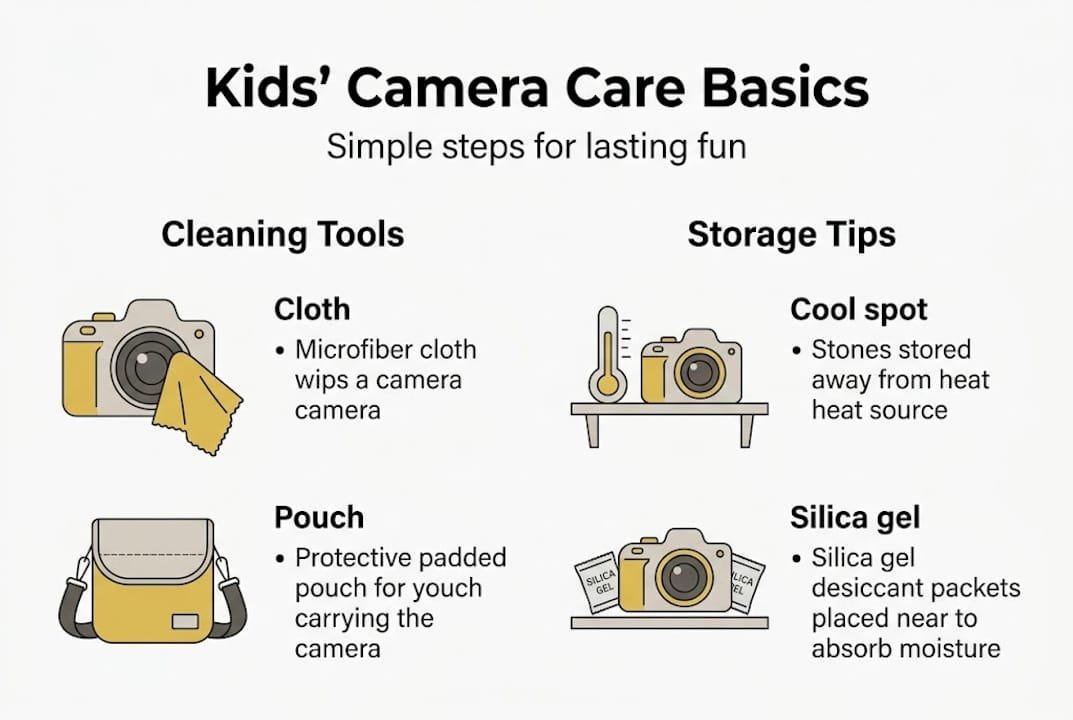
- Soft microfibre cloth for wiping lenses and casings without scratching
- Protective carry case to cushion the camera between uses
- Silica gel packs to absorb moisture inside the storage bag or case
- Spare batteries or a charged power bank so outings never end early
- A reliable microSD card with plenty of storage for photos and videos
For parents exploring cameras for preschoolers, it’s worth checking whether the model includes a built-in case or whether you’ll need to source one separately. Some of our favourite Kitty camera tips also cover which accessories pair best with specific models.
| Item | Purpose | Approximate cost |
|---|---|---|
| Microfibre cloth | Lens and casing cleaning | £2 to £5 |
| Protective case | Drop and scratch protection | £5 to £15 |
| Silica gel packs | Moisture control in storage | £3 to £6 |
| Spare batteries | Uninterrupted outdoor use | £4 to £10 |
| MicroSD card | Photo and video storage | £6 to £15 |
Pro Tip: Keep the care kit in a small zip pouch inside your family day bag. When everything is together, the after-outing clean-up takes less than five minutes.
Step-by-step guide: daily care for outdoor adventures
With your materials ready, let’s break down the daily routine. Consistency is everything here. A two-minute check before and after each outing is far more effective than a monthly deep clean.
Before heading out:
- Check the battery level. A camera that dies mid-adventure is frustrating, and repeated full-drain cycles shorten battery life over time.
- Inspect the lens for smudges or dust. A quick wipe with the microfibre cloth takes seconds and makes a real difference to photo quality.
- Confirm the SD card is seated correctly. Loose cards can cause data errors during use.
- Snap the protective case shut or attach the wrist strap securely.
After every outing:
- Brush or wipe away any visible dirt, sand, or mud from the casing before it dries and hardens.
- Dry off any moisture with the microfibre cloth, paying attention to seams and button gaps.
- Plug in the camera to recharge if the battery is below half.
- Back up new photos to a computer or cloud storage. Backup data frequently and store the camera in a cool, dry place away from heat and direct sunlight.
Understanding camera basics for children early on makes these steps feel natural rather than like a chore. Children who learn the routine alongside the benefits of kids’ cameras tend to take genuine pride in caring for their equipment.
“Treat your camera like a friend. Clean it, charge it, and keep it safe, and it’ll be ready for every adventure.”
Pro Tip: Turn the after-outing routine into a shared ritual. Let your child wipe the lens and press the backup button themselves. Ownership builds responsibility.
Cleaning and storing cameras: what really works
A consistent daily routine prevents most problems, but cleaning and storage are key for long-term safety. This is also where many parents make avoidable mistakes, often with the best intentions.
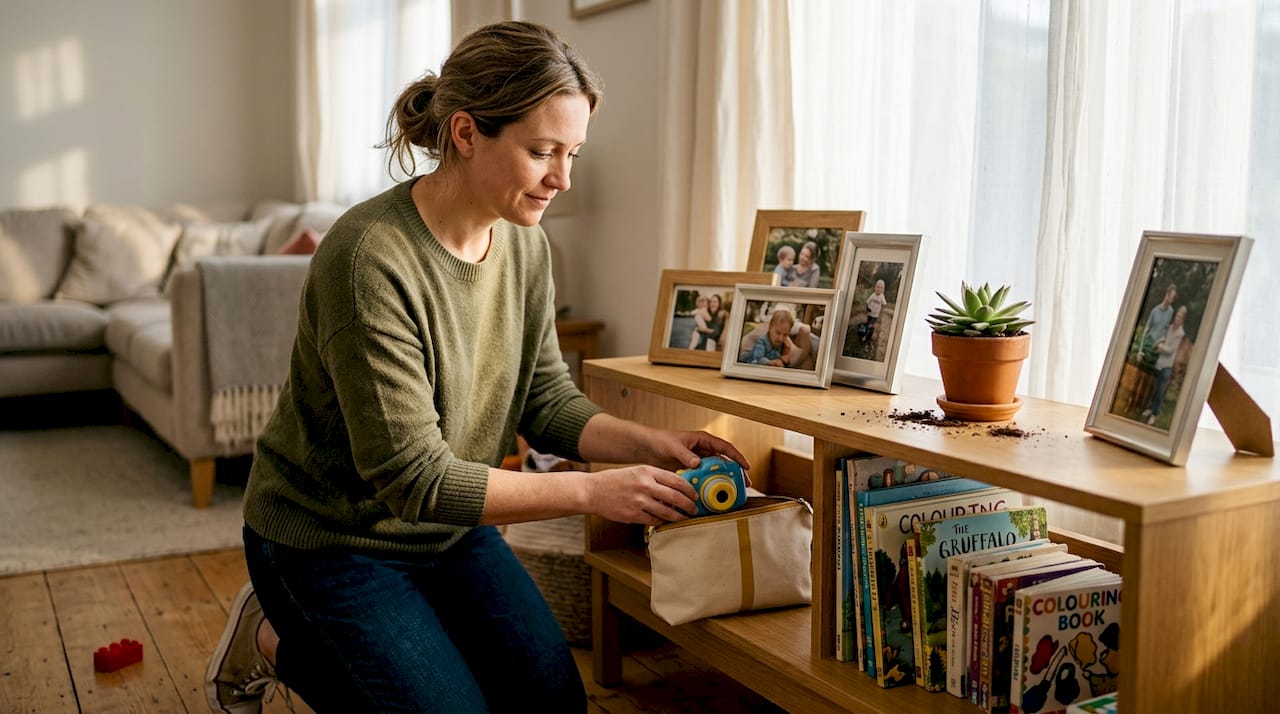
The most common cleaning error is reaching for a household wipe or glass cleaner. These contain alcohol or abrasive chemicals that can strip the coating from camera lenses and dull plastic casings over time. Stick to a dry or very slightly damp microfibre cloth, using gentle circular motions on the lens and straight strokes on the body.
For stubborn grime around buttons or in seams, a soft toothbrush works brilliantly. No water needed, just gentle brushing to dislodge trapped dirt without pushing it further inside.
What to do and what to avoid:
- Do use a dry microfibre cloth for lenses
- Do store the camera in a padded case between uses
- Do place silica gel packs in the storage bag to control humidity
- Don’t use wet wipes, glass cleaner, or paper towels on lenses
- Don’t leave the camera in a hot car or on a sunny windowsill
- Don’t store with the battery fully drained for extended periods
Storage matters more than most parents realise. Store in a cool, dry place away from heat and direct sunlight to protect both the battery and the internal components. A drawer or cupboard shelf works perfectly. Avoid bathrooms or garages where humidity fluctuates.
| Method | Correct approach | Common mistake |
|---|---|---|
| Lens cleaning | Dry microfibre cloth, circular motion | Wet wipe or paper towel |
| Casing cleaning | Soft brush for seams, dry cloth for surface | Household spray cleaner |
| Storage location | Cool, dry cupboard with silica gel | Hot car, sunny windowsill |
| Battery storage | Partially charged, case closed | Fully drained, loose in a bag |
For more on protecting your investment, our kids camera benefits guide covers why well-maintained cameras produce noticeably better results. You might also enjoy our educational tips for animal photos for ideas on making the most of each clean lens.
Pro Tip: Silica gel packs are reusable. Pop them in a warm oven at 80°C for an hour once a month to dry them out and restore their moisture-absorbing power.
Troubleshooting and avoiding common mistakes
Even with good habits, issues pop up. Here’s how to handle them easily before they become bigger problems.
The most frequent issues parents encounter fall into three categories: power problems, data errors, and physical damage. Spotting them early makes all the difference.
Common signs and what to do:
- Camera won’t turn on. Check the battery charge first. If fully charged and still unresponsive, try removing and reinserting the battery. A reset button (usually a small pinhole) can restore function.
- Photos aren’t saving. The SD card may be full, corrupted, or unseated. Remove it, check for visible damage, and reinsert firmly. Always use a reputable brand.
- Lens looks foggy. This is often condensation from a sudden temperature change, such as coming indoors from cold air. Leave the camera at room temperature for 30 minutes before use.
- Camera got wet beyond its rating. Remove the battery immediately, do not turn it on, and leave it to dry in a warm spot for at least 24 hours.
Backup data frequently and avoid leaving the camera unused for long periods. Charge the battery at least every six months, even if the camera sits in a cupboard.
Mistakes that cause the most damage are often the simplest to avoid. Leaving a wet camera in a closed bag, using a cheap off-brand SD card, or forgetting to back up before a factory reset are the top culprits for permanent data loss.
“The camera that lasts longest isn’t the toughest one. It’s the one that’s looked after consistently.”
If the camera shows signs of internal damage, swollen battery, or persistent errors after basic troubleshooting, contact the manufacturer’s warranty service rather than attempting repairs at home. Most reputable kids’ camera brands offer solid warranty cover. Boosting creativity with cameras is only possible when the camera actually works, so don’t delay on warranty claims.
What most parents miss about keeping cameras safe
Most guides focus on the technical side of camera care, the cloths, the cases, the charging schedules. Those things matter. But from our experience working with families at The Zoofamily, the deeper challenge is teaching children that caring for their camera is part of the adventure, not separate from it.
A child who understands why the lens needs wiping is far more likely to do it willingly than one who’s simply told to. When you frame maintenance as part of being a real photographer, it becomes something to be proud of rather than a chore to avoid.
Small mistakes, like a forgotten wipe or a dropped camera, are also valuable. They teach cause and effect in a low-stakes, real-world setting. Resist the urge to take over every time something goes wrong. Let your child problem-solve with your guidance. That’s where the real growth happens.
Building on real-life camera basics from an early age means children develop a sense of ownership and responsibility that extends well beyond photography. The camera becomes a tool for learning how to look after things they value.
Explore more creative camera adventures
Keeping your child’s camera in great condition is just the beginning of the story. At The Zoofamily, we’ve built a whole world of resources, creative challenges, and nature-inspired photography guides to help families make the most of every outdoor moment.

From step-by-step guides for young photographers to our animal-themed cameras that spark curiosity about the natural world, everything we create is designed to connect children with creativity and nature. And for every camera sold, we plant one tree, because great adventures should leave the world better than they found it. Explore our community, discover new ideas, and find the perfect camera companion for your little explorer.
Frequently asked questions
How often should I charge my child’s camera if it’s not used?
Charge at least every six months to maintain battery health, even when the camera sits unused. Leaving a battery fully drained for long periods can permanently reduce its capacity.
Is it safe for kids to use cameras in rain or near water?
Most kids’ cameras with waterproof cases can handle splashes and shallow water, but waterproof up to 6ft is the typical rated limit. Always check your specific model’s rating before water-based activities.
What is the best way to clean a camera after outdoor play?
Use a soft, dry microfibre cloth to gently wipe away dirt or moisture. Avoid harsh chemicals or soaking the camera, as these can damage the lens coating and internal seals.
How can I prevent camera data loss?
Back up photos frequently to a computer or cloud storage and always use a trusted, reputable microSD card. Regular backups mean a dropped or damaged camera never means lost memories.